Rear Seat Cover – 2020-2023 Subaru Legacy
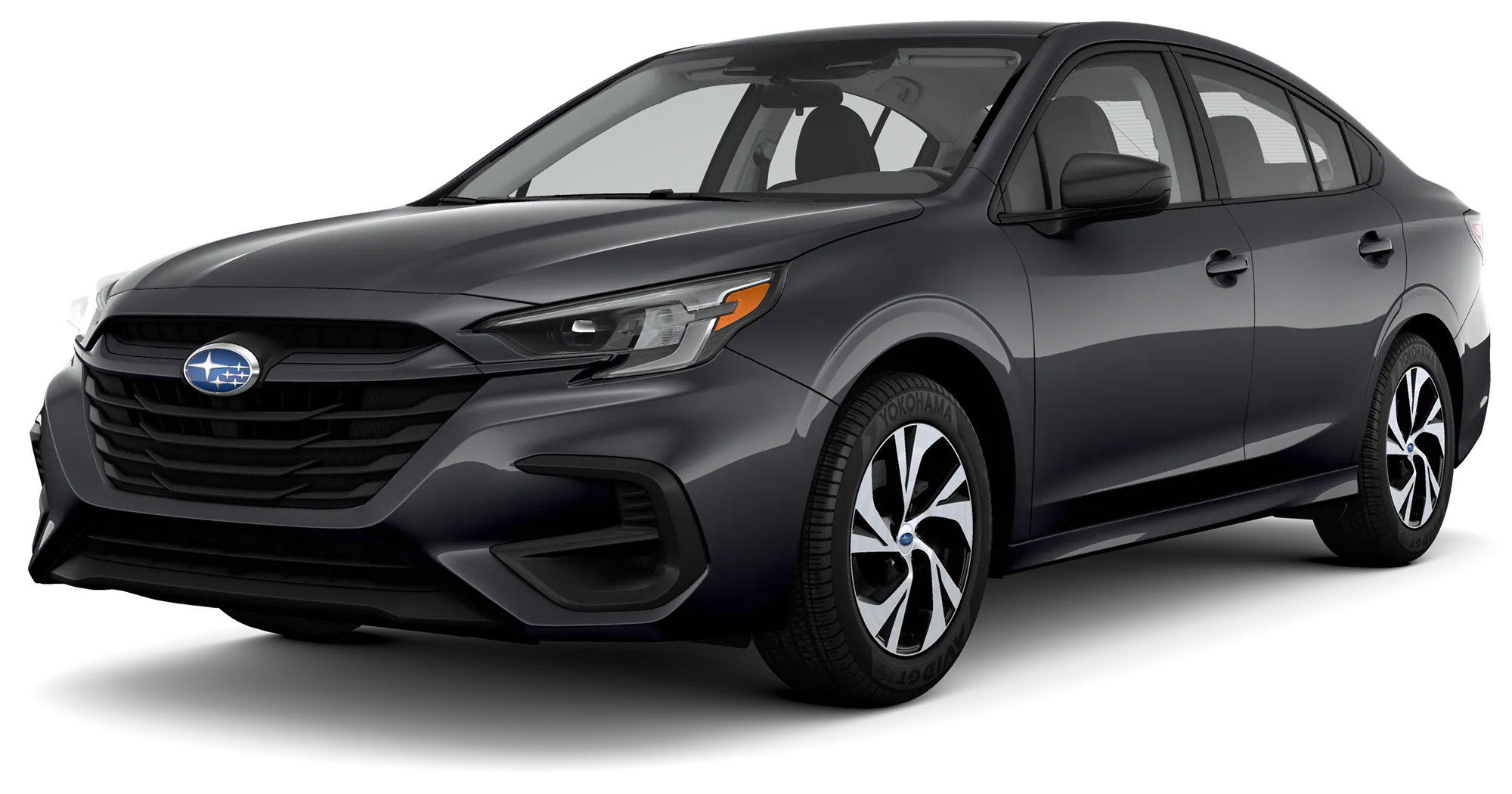
2023 Subaru Legacy

Accessory Installation Guide 2020-23MY Legacy Rear SEAT COVER F411SAN070   Installation Instructions – LEGACY / Consignes d’installation – LEGACY PART NUMBER: F411SAN070 / RÉFÉRENCE: F411SAN070 DESCRIPTION: SEAT COVER – Rear / DESCRIPTION: HOUSSE DE SIÈGE – Arrière         SEOCONTENT-START D Panel Cover (x2) / Couvercles de panneau (x2) DATE 06/13/2022 PAGE 1 … Read more

Front Seat Cover – 2020-2023 Subaru Legacy

2023 Subaru Legacy

Accessory Installation Guide 2020-23MY Legacy – FRONT SEAT COVER F411SAN130   Installation Instructions – LEGACY Consignes d’installation – LEGACY PART NUMBER: F411SAN130 / RÉFÉRENCE: F411SAN130 DESCRIPTION: FRONT SEAT COVER DESCRIPTION: HOUSSE DE SIÈGE         SEOCONTENT-START DATE 12/19/2022 PAGE 1 OF 6 A B Housse gd appuie-tête (x2) Housse gd appuie-tête (x2) Housse … Read more

Front Seat Cover W/ Seat Extender – 2020-2023 Subaru Legacy

2023 Subaru Legacy

Accessory Installation Guide 2020-23MY Legacy FRONT SEAT COVER W/ SEAT EXTENDER F411SAN120   Installation Instructions – LEGACY Consignes d’installation – LEGACY PART NUMBER: F411SAN120 / RÉFÉRENCE: F411SAN120 DESCRIPTION: FRONT SEAT COVER W/ SEAT EXTENDER DESCRIPTION: HOUSSE DE SIÈGE AVANT AVEC EXTENSION DE SIÈGE         SEOCONTENT-START DATE 12/19/2022 PAGE 1 OF 6 TOOLS … Read more

Set Up Apple Carplay – USB Method – 2023 Subaru

Subaru Logo

How to: Set Up Apple Carplay – USB Method APPLICABILITY: 2023 Ascent 2023 Legacy 2023 Outback   How to setup wireless Apple CarPlay (Using USB) 1. Plug iPhone into one of the front USB ports. (USB A or C port) 2. Select ENABLE WIRELESS CARPLAY on your iPhone 3. Select YES on the “Apple Carplay” … Read more

Set Up Apple Carplay – Bluetooth Method – 2023 Subaru

Subaru Logo

How to: Set Up Apple Carplay – Bluetooth Method APPLICABILITY: 2023 Ascent 2023 Legacy 2023 Outback   How to setup wireless Apple CarPlay (Using Bluetooth) 1. Select the MANAGE DEVICES icon on your vehicle touch screen display 2. Select ADD 3. Go to SETTINGS on your iPhone and select BLUETOOTH 4. Select your VEHICLE from … Read more